Data Requirements

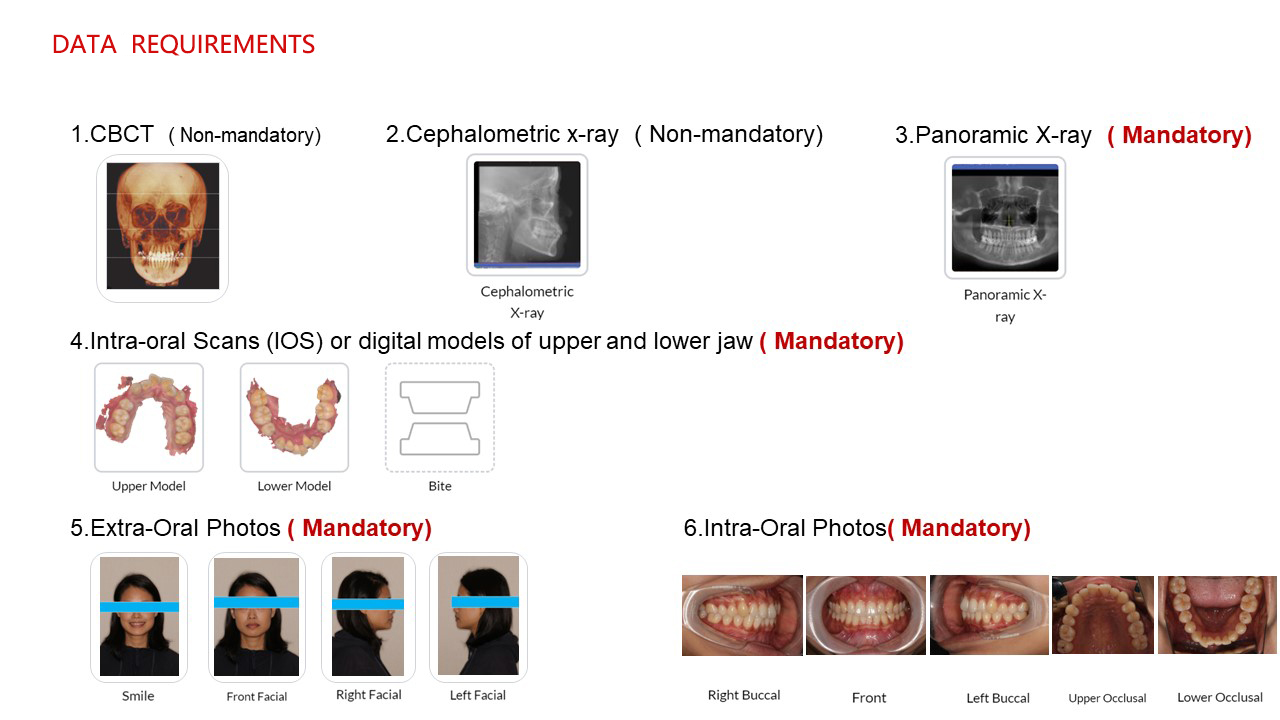
1. CBCT (Non-mandatory)

DICOM file format only. Output and save your CBCT in DICOM (.dcm) before upload.

2. Cephalometric X-ray (Non-mandatory)

DICOM file or photo format can be used.

3. Panoramic X-ray (Mandatory)

DICOM file or photo format can be used.

4. Intra-oral scans or digital models

Intra-oral scans of the upper and lower jaw are mandatory. Please make sure the arches are in correct occlusion.

5. Extra-oral photos

Extra-oral pictures are mandatory.

6. Intra-oral photos

Intra-oral pictures are mandatory.

Clear aligner data requirements overview Clear aligner submission screen reference one Clear aligner submission screen reference two

Clinical Examples

Source-page case images for clear aligner workflows, preserved here in a larger gallery layout.
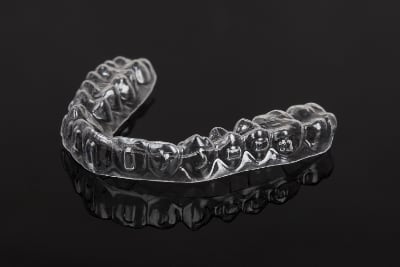
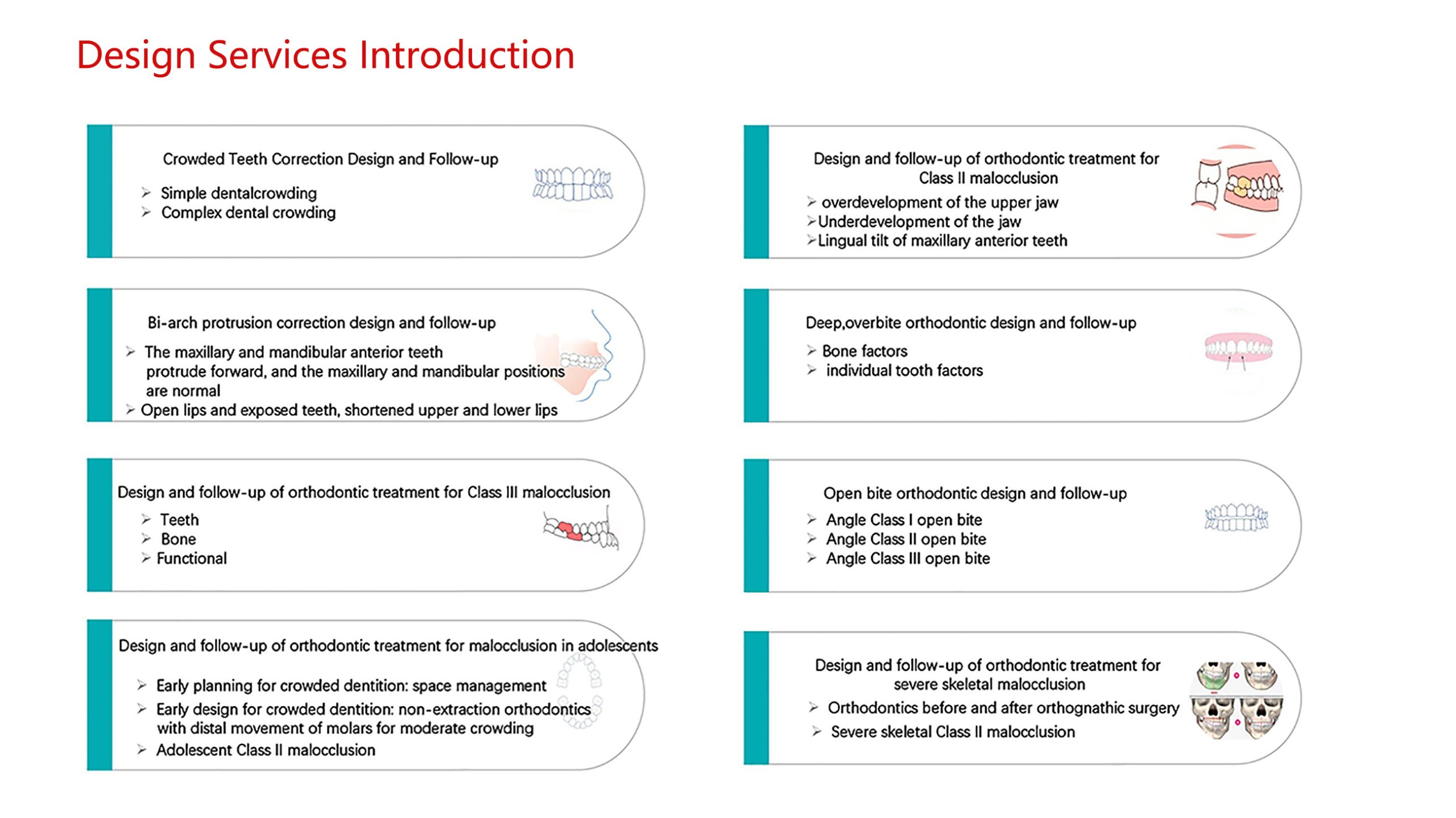
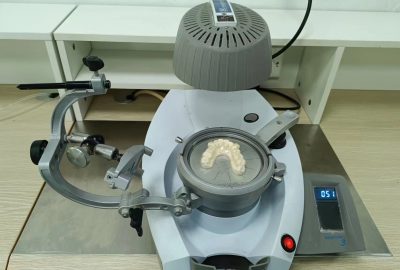
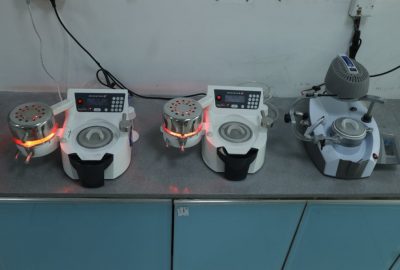
Clear aligner case example one Clear aligner case example two Clear aligner case example three Clear aligner case example four Clear aligner case example five Clear aligner case example six

Next Step

Move from category review into the right case workflow

If the case direction is already clear, submit directly. If the material path is still open, include scans, photos, and goals so the team can help narrow the route before production.

Best companion page

Downloads helps with prep guidance and RX forms before submission.

Need pre-case input?

Use the contact page when the case still needs planning help before final submission.